AutoTerra <span>Pro Spatial</span>
Most Popular Full Suite

AutoTerra Pro Spatial

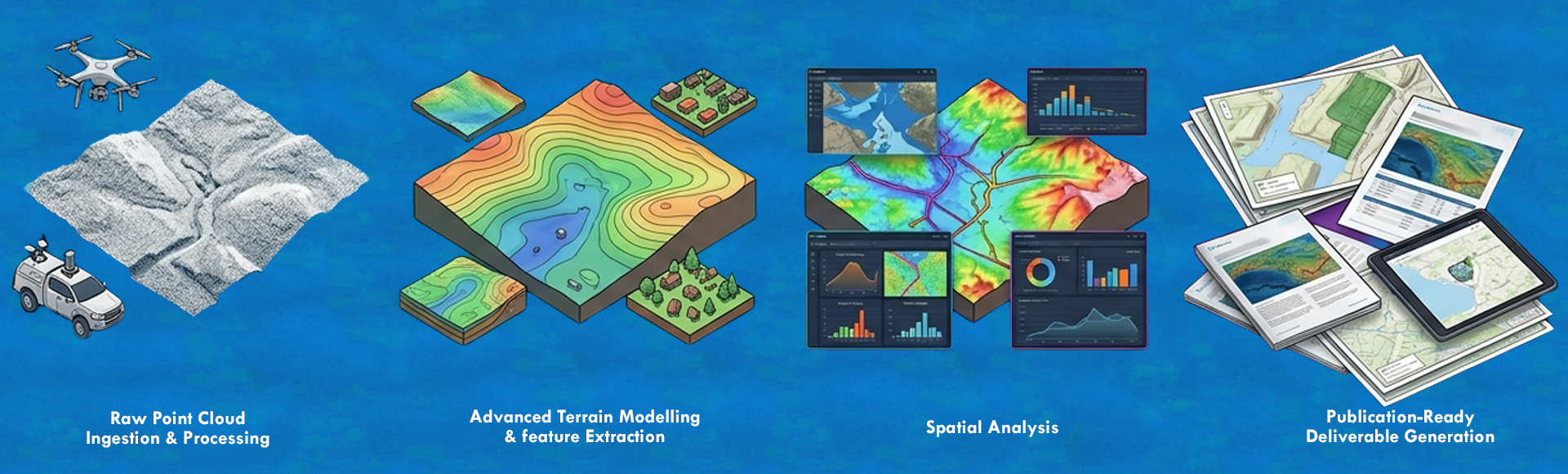
The complete platform for survey-grade LiDAR processing, advanced terrain modeling, and spatial analysis. From raw point cloud to publication-ready deliverable — all in one integrated environment.

Unlimited
point cloud project size
256
point cloud classification classes
10+
integrated modules
50+
file formats supported
GPU
accelerated classification
Point Cloud Processing

Handle any LiDAR dataset — at any scale

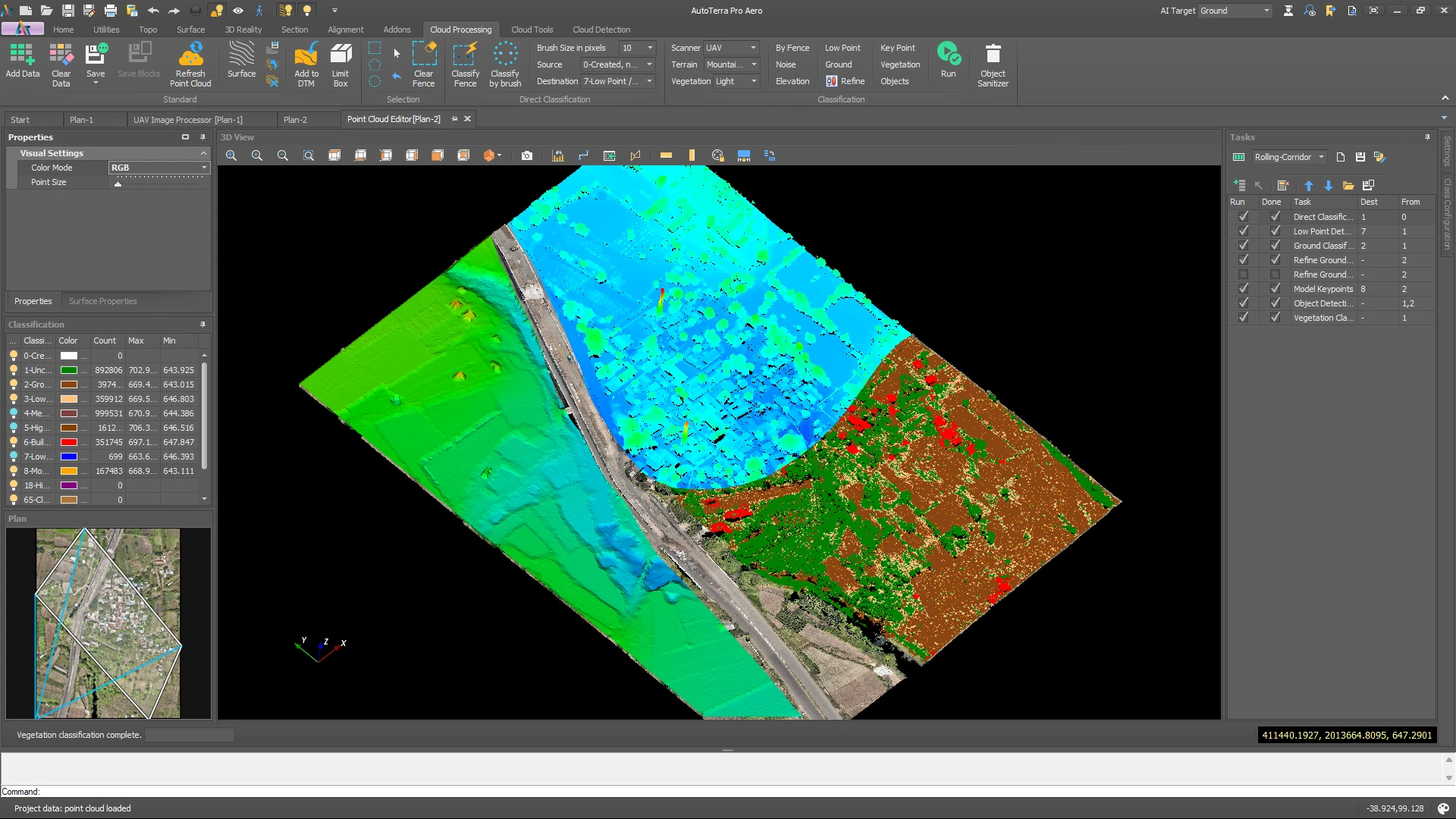
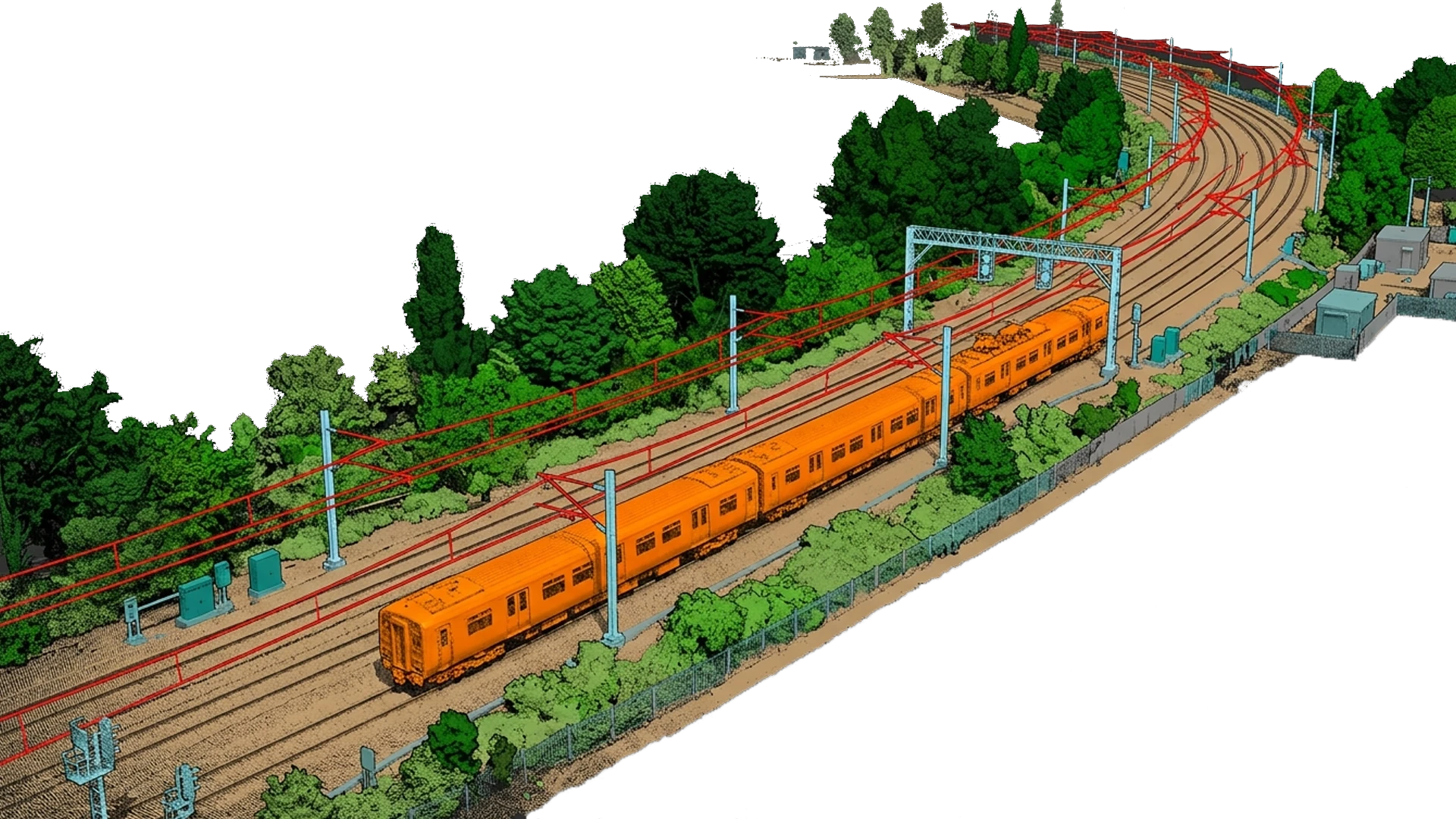
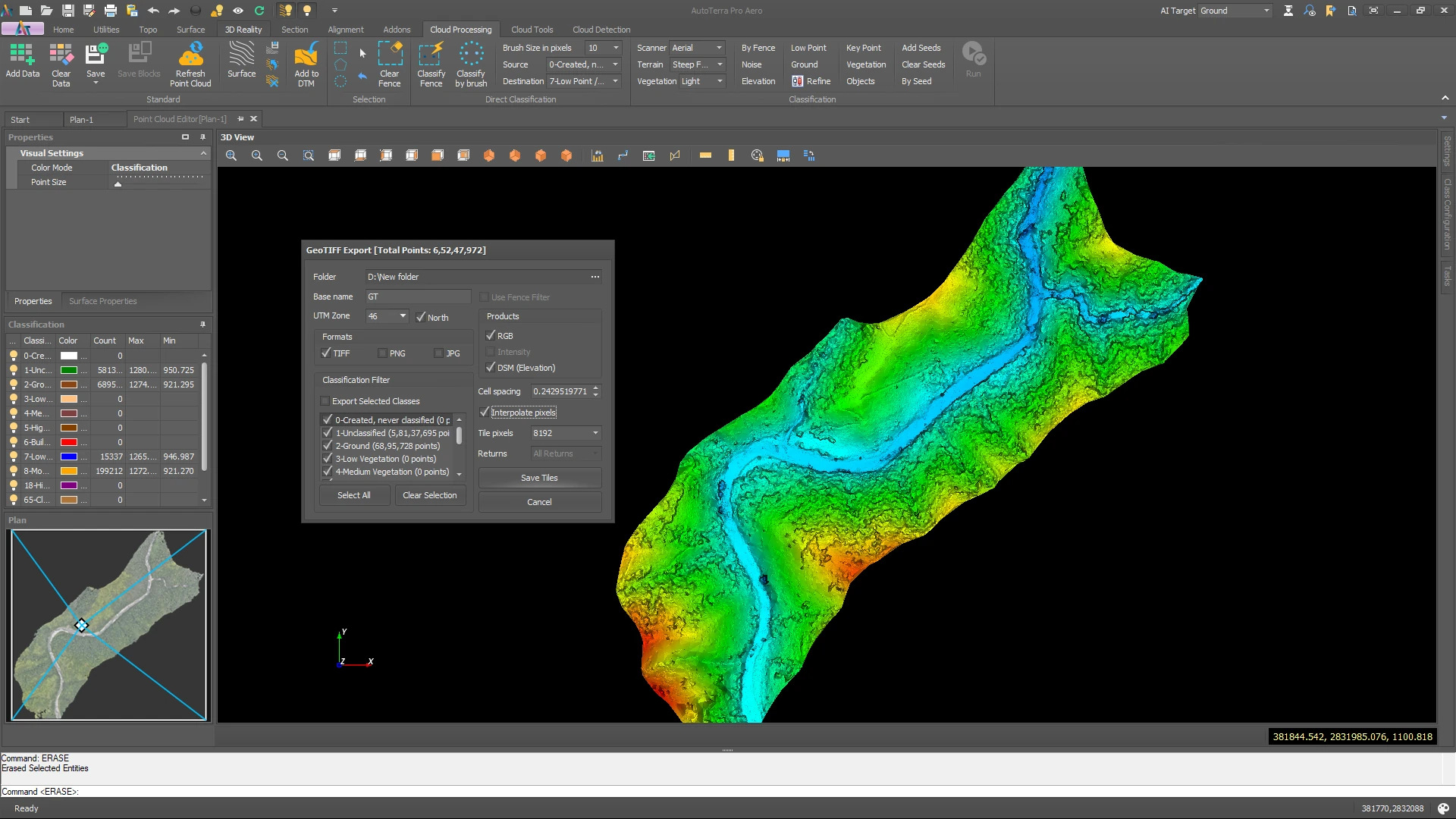
AutoTerra Pro Spatial ingests point cloud data from airborne, mobile, terrestrial and drone-borne sensors. Tile-based project handling and GPU-accelerated display keep the viewport responsive on datasets far larger than available memory, while every routine runs against full-resolution data.

LAS / LAZ 1.0–1.4 E57 PLY / XYZ / PTS CSV / ASCII Classified LAS export Tile-based large data
GPU-accelerated 3D display — interactive on datasets beyond available memory
Tile-based project handling for large-area and corridor surveys
Intensity, RGB and classification visualisation, with true-colour fusion
Cloud reproject, rescale and GCP audit before processing begins
Batch task automation — queue routines across an entire project
autoterra
autoterra
Machine-Learning Classification

Classification you can train on your own data

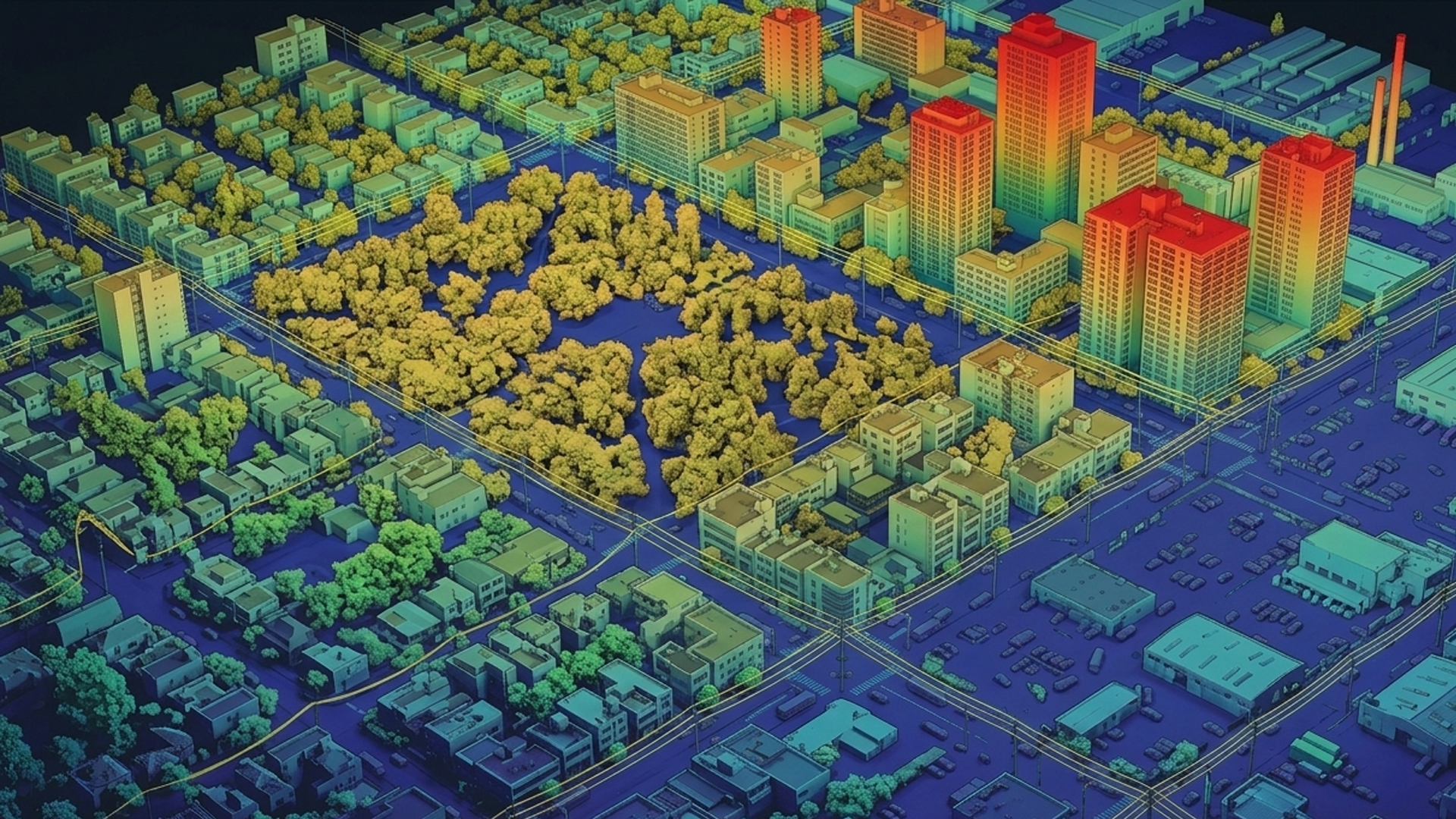
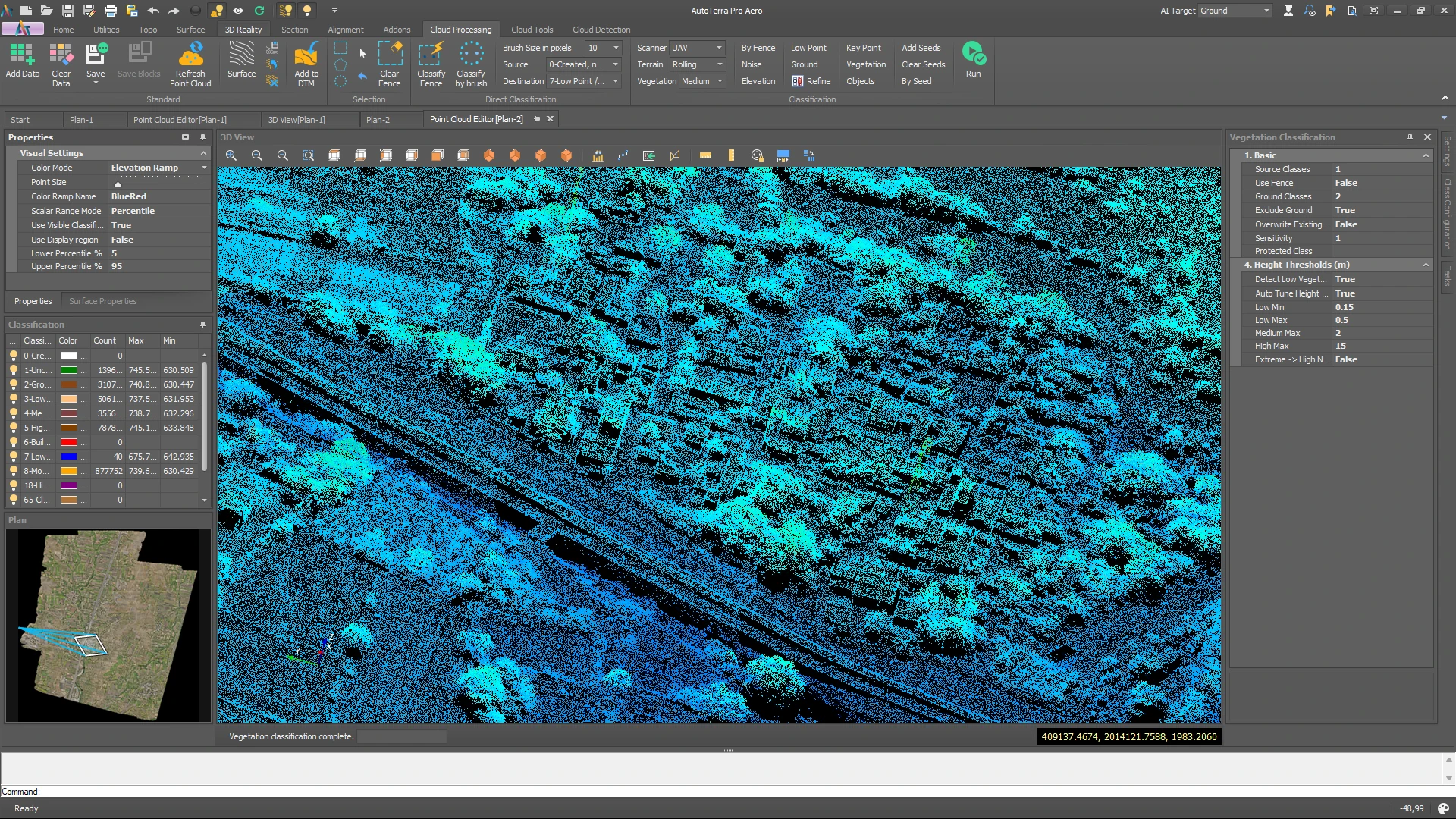
The classification engine combines tuned geometric routines with machine-learning models. Where a site defies the defaults — dense canopy, terraced hillsides, cluttered urban roofs — you label a sample and train a model on your own data rather than waiting for a vendor update. AI & ML Intelligence is included with Pro Spatial on annual and longer terms.

Ground Low vegetation High vegetation Buildings Powerlines Poles Road & kerb Custom classes
Automatic ground extraction, including bare earth under dense vegetation
Object classification — buildings, vegetation, poles and powerlines
Trainable custom models — label a sample, train, apply across the project
ASPRS standard class codes plus user-defined classes
Forestry stem inventory — stem detection with DBH and stand-structure reports
Terrain & DTM Generation

Survey-grade terrain models from classified cloud to raster

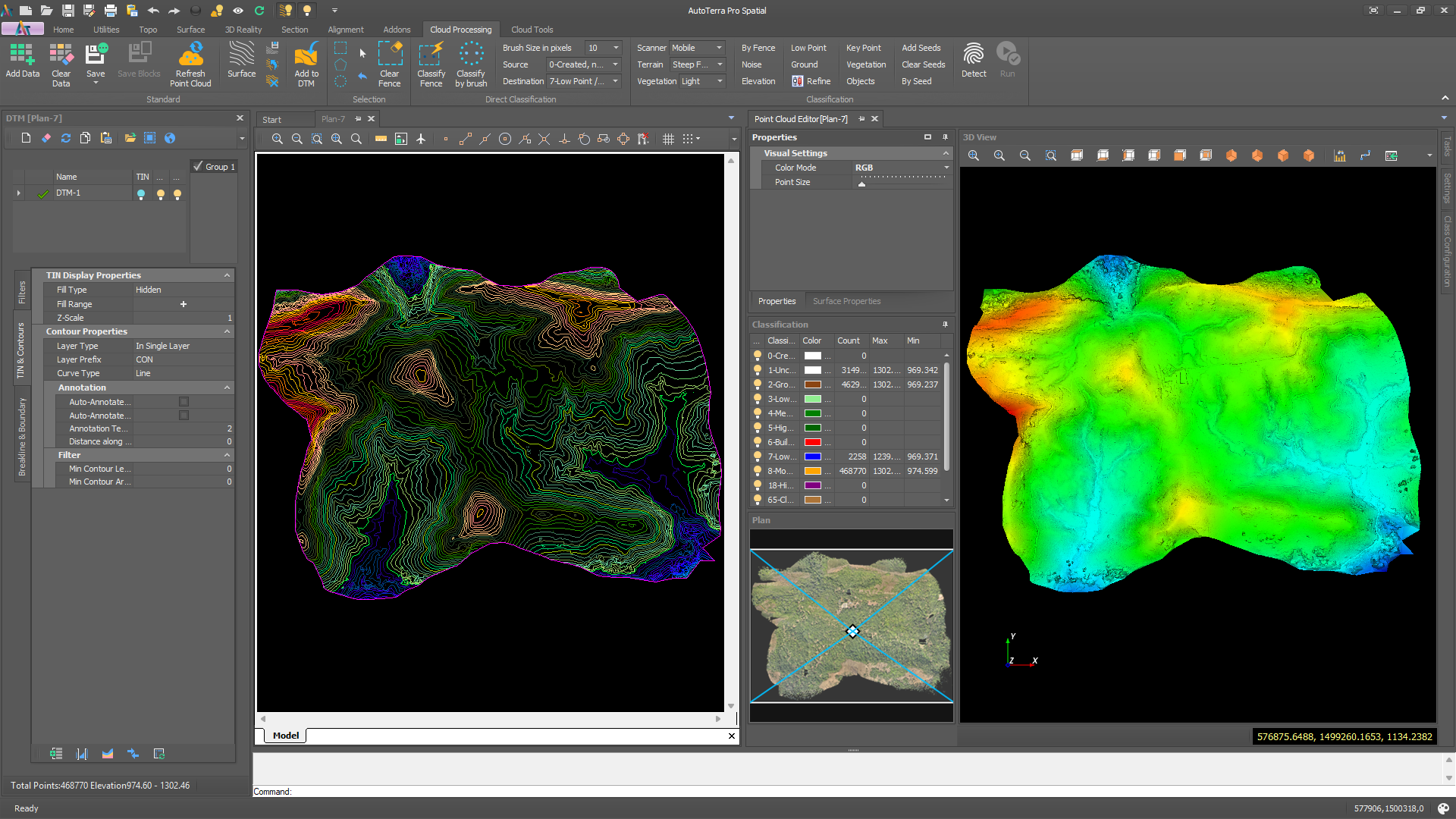
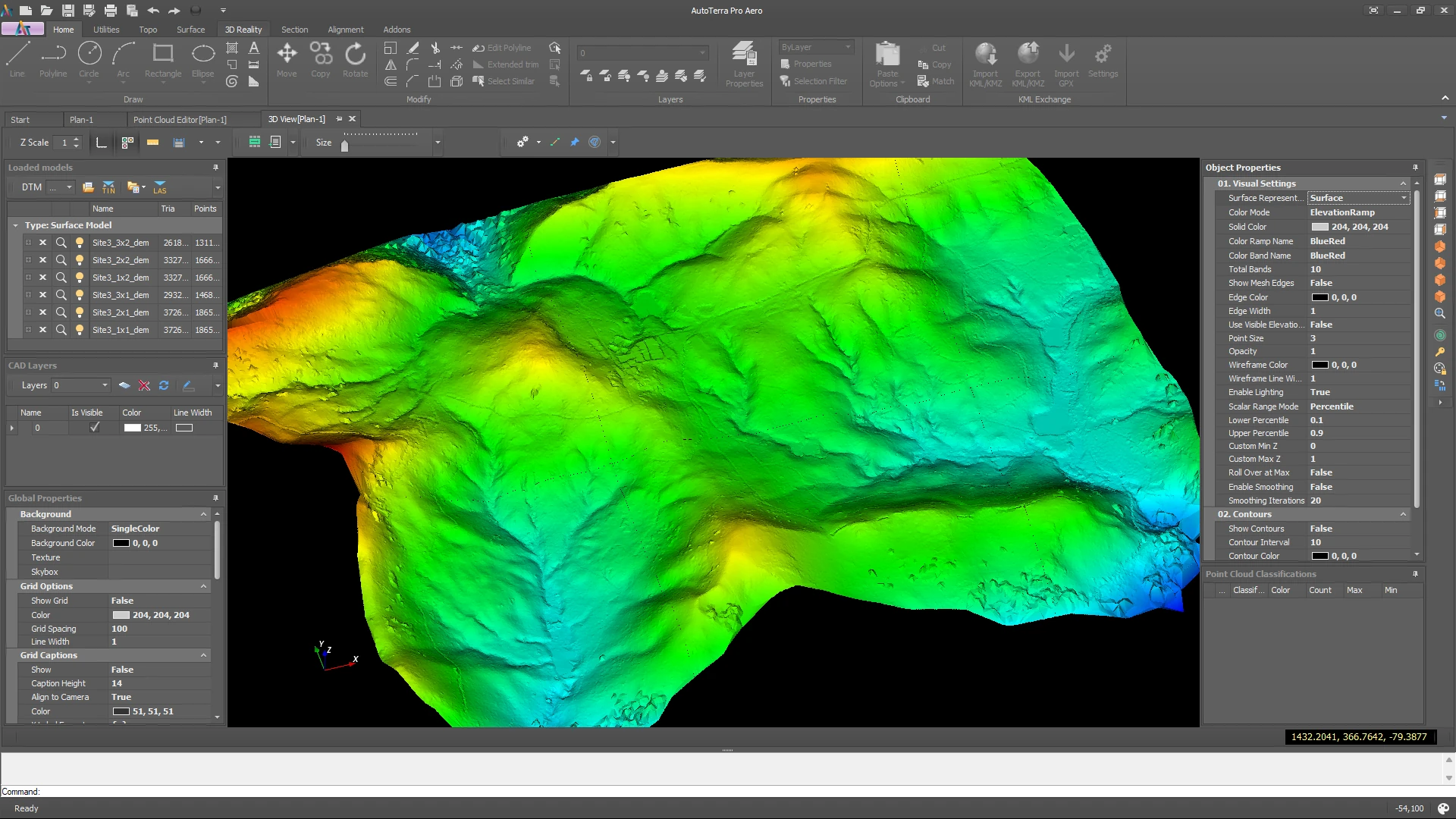
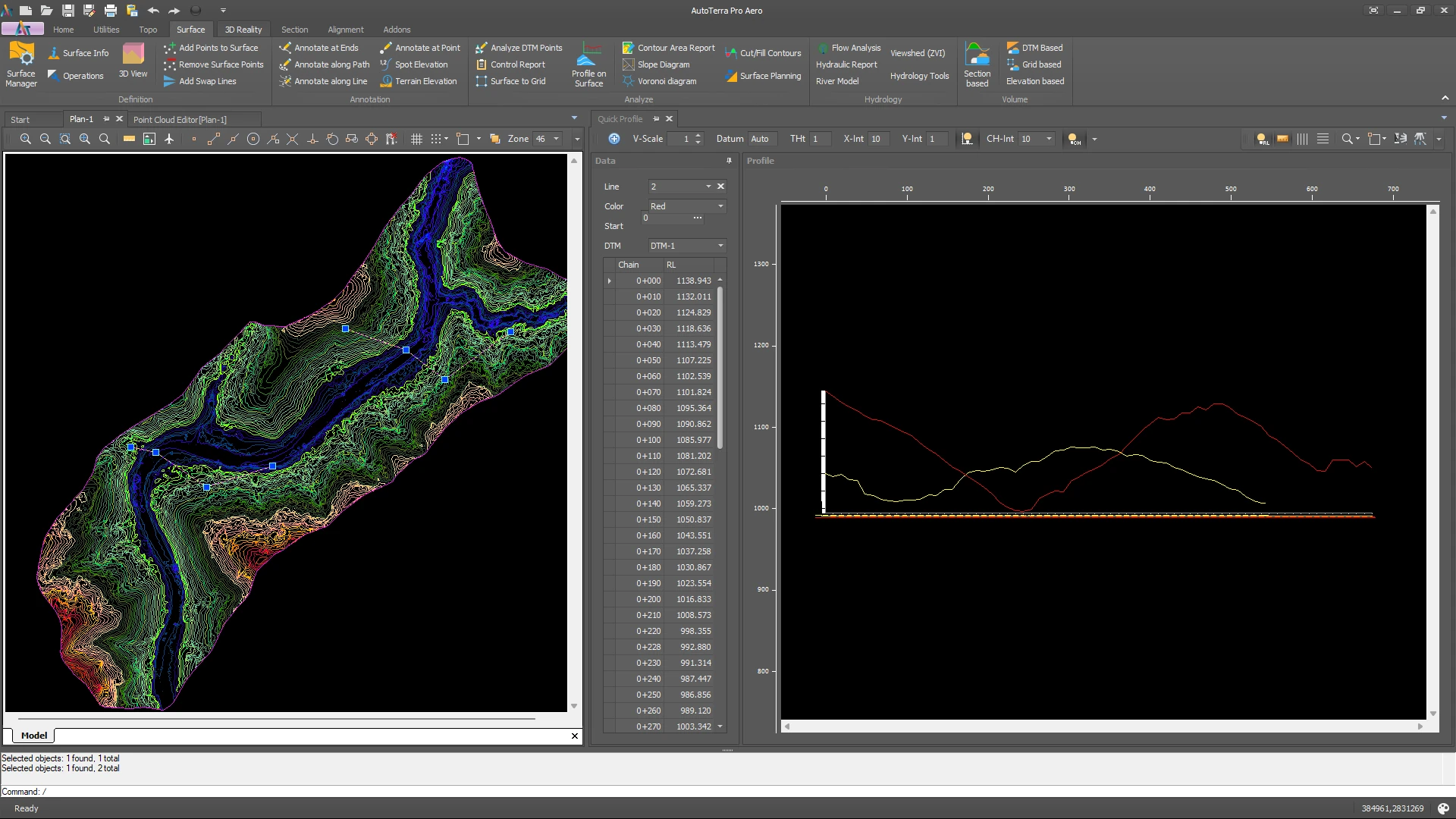
Derive bare-earth DTMs, surface models (DSM) and normalised height models (nDHM) from classified point cloud data. Constrained TIN interpolation preserves true break-lines and sharp grade transitions — critical for drainage and road-design work downstream.

DTM / DSM / nDHM TIN interpolation Break-line enforcement Contour generation Slope / Aspect Catchments & streams GeoTIFF export
Constrained TIN with break-line enforcement — no smoothing across breaks
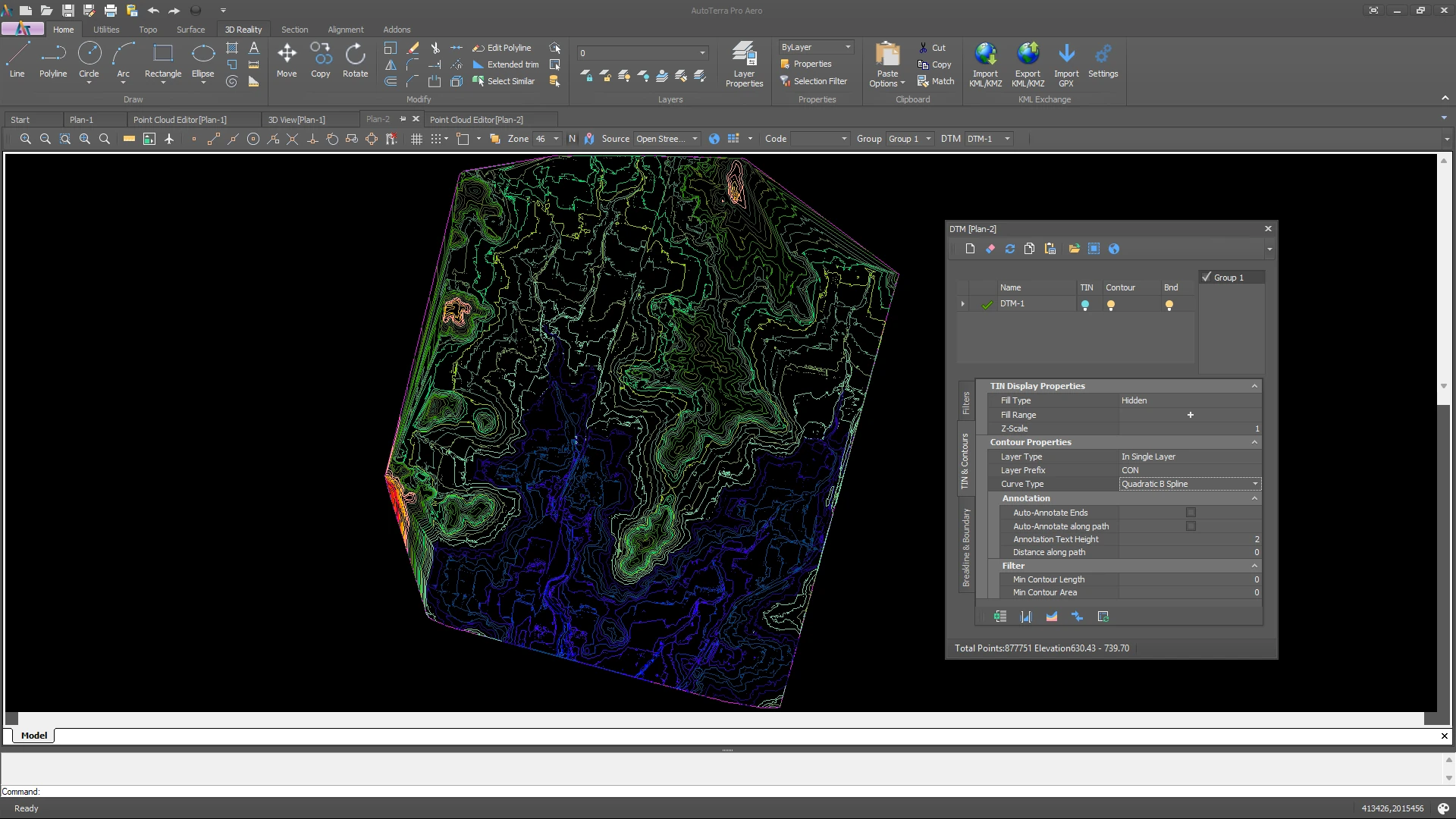
Precision contours with smoothing and automatic labelling at any interval
Volume calculations between surface pairs, with earthwork reports
D8 flow analysis — accumulation, Strahler streams and pour-point catchments
GeoTIFF, ASCII grid, ESRI raster and DXF contour export
autoterra
autoterra
Survey & CAD Integration

From 3D point cloud to submission-ready CAD drawings

Pro Spatial bridges raw spatial data and engineering deliverables. Extract features, generate section and profile drawings, and export DXF with full layer control — all while the point cloud stays live in the background as reference.

DXF / DWG read & write Cross-sections Long-profiles Control points Stake-out Field data import
Native DXF/DWG read and write with full layer, linetype and block control
Automated cross-section and long-profile generation along alignments
GCP import from total station / GNSS field observations
Coordinate system transformation across projected and geographic CRS
COGO tools — traverse, intersection, resection and setout
Corridors & Road Assets

Road edges, kerbs and roadside assets — extracted, not digitised

Linear feature extraction pulls road edges, kerbs and centrelines out of the classified cloud as CAD-ready strings, while ML object detection inventories roadside furniture from a template library. Every detected object is measured, scored and positioned by station and offset along the alignment, then exported as an attributed GIS layer in one click. Full geometric design — alignment, superelevation, typical cross-sections and structures — lives in AutoRoads, which includes everything on this page.

Road & kerb extraction Centreline tracing Roadside asset detection Station & offset attributes Cross-section keying One-click GIS export
Automatic road edge, kerb and centreline extraction as CAD strings
ML asset detection — sign posts, lamp and utility poles, guardrail and fence posts, bollards, delineator posts, traffic-signal poles, gantry legs, pillars and kerb marker posts
Each object carries height, width, depth, base and top level, and a confidence score
Objects are stationed — chainage and offset against the reference alignment
One-click GIS export as an attributed point layer, plus 3D symbols on a CAD layer
Cross-section keying, corridor sections and cut/fill volumes along the route
autoterra
Technical Reference

Technical specifications

Full capabilities of AutoTerra Pro Spatial. For a cross-edition comparison, see the Products & Comparison page. Products & Comparison

Category Specification
Point cloud formats LAS / LAZ 1.0–1.4, E57, PLY, XYZ / PTS / CSV; classified LAS/LAZ export to ASPRS standard
Dataset scale Unlimited project size on Pro Spatial; tile-based handling for large-area and corridor datasets, with GPU-accelerated 3D display
Classification engine Machine-learning classification with trainable custom models; tuned geometric ground routines; ASPRS class codes plus user-defined classes; batch task automation across a project
AI & ML Intelligence Automatic ML classification, trainable custom models, object detection (roadside assets, buildings, poles, vegetation) and forestry stem inventory — included with Pro Spatial on 1-year and longer terms; not available on 3-month or 6-month terms
Terrain outputs DTM, DSM, nDHM, canopy height model, slope, aspect, hillshade and elevation banding at user-defined resolution; TIN and grid modes
Surface modelling & interpolation Constrained Delaunay TIN with break-line enforcement; boundary-controlled surfaces; grid / DEM conversion and multi-source DEM comparison. Raster void fill on DSM/DEM export: none (NoData), Linear (Delaunay triangulation) or IDW with configurable power and search radius, under a maximum interpolation distance.
Vector / CAD DXF and DWG read and write with full layer, linetype and block control; GIS vector exchange — Shapefile, GeoJSON, GeoPackage, File Geodatabase (.gdb) with table pre-selection and EPSG detection, FlatGeobuf, MapInfo TAB / MIF, GeoParquet, GML, KML / KMZ
Coordinate systems Projected and geographic CRS with custom CRS definition; vertical datum transformation including EGM2008, EGM96 and national geoids
Raster export GeoTIFF, ECW, ASCII / ESRI Grid, ERDAS IMG, BIL, PNG and JPEG — all with embedded projection
Survey tools Control point import (CSV / TXT), resection, traverse adjustment, COGO (intersection, bearing-distance) and stake-out
Corridor, linear features & road assets Road, kerb and centreline extraction; ML roadside-asset detection from a template library (bollard, delineator, fence, guardrail and sign posts, lamp, utility and traffic-signal poles, gantry legs, round and rectangular pillars, kerb marker posts) with dimensions, confidence and station/offset attributes, exportable as a GIS point layer or CAD 3D symbols; cross-section keying; cross-sections and long sections at any interval; corridor cut/fill volumes. Geometric design — alignment, superelevation, typical cross-sections and structures — is provided by AutoRoads.
Add-on modules À-la-carte modules licensed on a Pro Spatial host: Tunnel cross-sections & QC, and Powerline clearance analysis
Licensing Node-locked soft licence or USB hardware key (dongle) that runs fully offline; online activation for soft licences, with machine transfer supported. Terms from 3 months to 5 years.
Updates All feature releases and priority support are included for the licence term — no separate charge for major version upgrades

System requirements

Minimum

OS Windows 10 / 11 (64-bit)
CPU Intel Core i3 / AMD Ryzen 3 (4 cores)
RAM 8 GB (16 GB+ for large point clouds)
GPU Integrated graphics; a dedicated GPU speeds up 3D display
STORAGE SSD, 20 GB free
DISPLAY 1366×768, OpenGL 4.5
NETWORK Required for licence activation and online maps

Recommended

OS Windows 11 (64-bit)
CPU Intel Core i7 / i9 or AMD Ryzen 7 / 9
RAM 32–64 GB for billion-point projects
GPU NVIDIA RTX with 8 GB+ VRAM
STORAGE NVMe SSD, 500 GB+ free
DISPLAY 2560×1440, dual-monitor setup
NETWORK Broadband for online maps and updates
Editions

Choose your starting point

Three base tiers, two capability layers. Spatial adds LiDAR; Aero adds drone photogrammetry. Upgrade at any time — your projects and settings carry straight over.

AutoTerra Standard

Surfaces & contour intelligence for mapping teams

Survey, CAD & GIS in one project
Instant DTM with break-line precision
Precision contours and 3D terrain view
Grid / DEM conversion & slope analysis
Sections, volumes & hydrology
Point cloud processing — add Spatial
Drone photogrammetry — add Aero

AutoTerra Pro

Sections, volumes, hydrology & GIS for engineering teams

Everything in Standard
Auto cross & L-sections with the corridor wizard
Surface-to-surface volumes & earthwork reports
Flow analysis, catchments & IRC hydraulic reports
GIS attributes, thematic mapping & LIS
Point cloud processing — add Spatial
Drone photogrammetry — add Aero

AutoTerra Pro Spatial Most Popular

Pro plus the complete LiDAR & point-cloud engine

Everything in Pro
LiDAR at scale — unlimited project size
Object & vegetation classification and detection
Road, kerb & linear extraction, roadside asset inventory
AI & ML Intelligence on annual terms and above
Batch task automation & cloud tools
Add Aero for drone photogrammetry — Pro Aero

Ready to see Pro Spatial in action?

Our solution engineers will walk you through a workflow tailored to your project — drone survey, mobile LiDAR corridor, or airborne terrain mapping.

Request a demo Start Pro Aero trial